p.01Instruction manual · Your first roll
Turn the shutter dial, and your photo's color clicks into place
Shoot your film print with your phone and upload it. Set exposure and color one step at a time, the way you'd handle a camera you know well. Your photo never leaves your phone.
jpg · png · heic · pdfEvery roll free

p.02How to use
How to develop online
Three steps, and you're done. No app to install, no sign-up.
Photograph your film
Lay your developed film flat on a bright white screen or a light pad. Shoot it with your phone, with no shadows, and upload it.
Pick a frame, bring back the color
We find the frames on your film and restore their true colors. Choose a film type and one of six looks, and adjust exposure and color temperature.
Save in high quality
Save the frames you chose as high-quality files. You can also save several frames at once.
p.03Film looks
Six film looks
After you choose, you can still adjust everything from exposure to light leaks with your fingertips.
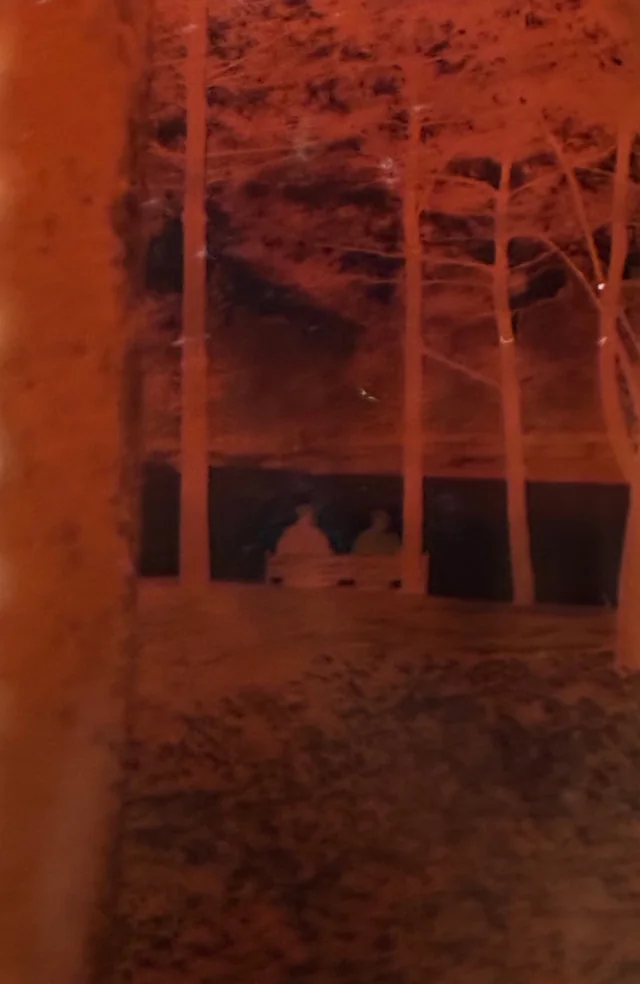
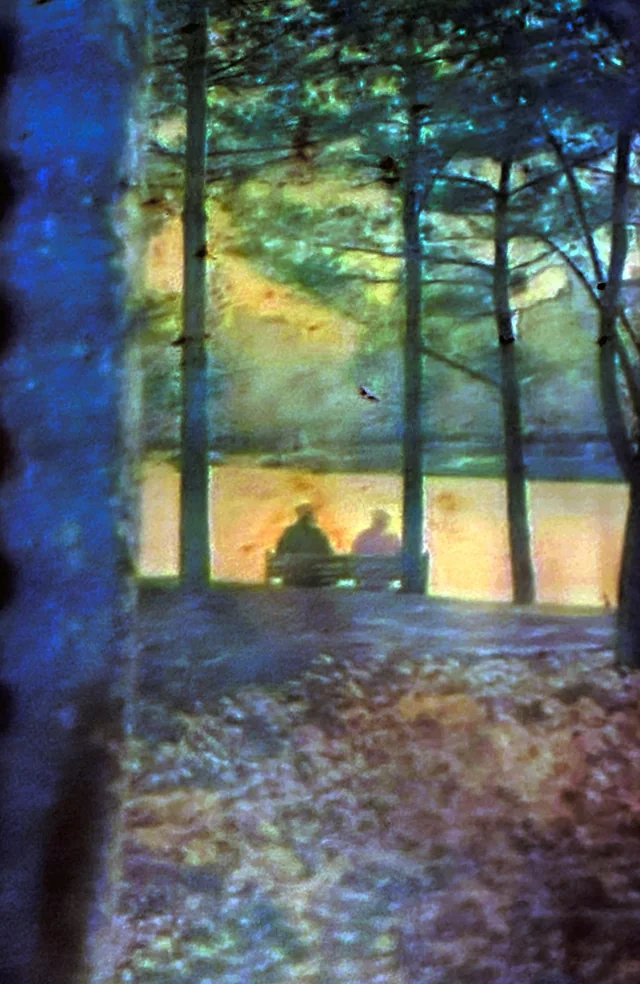
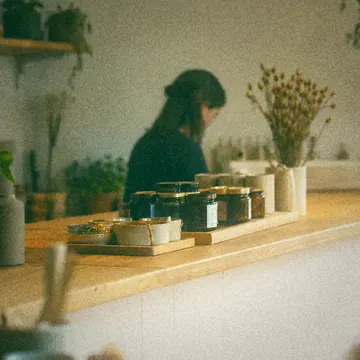 Chungking Neon Green
Green shadows under fluorescent light, neon bleeding red.
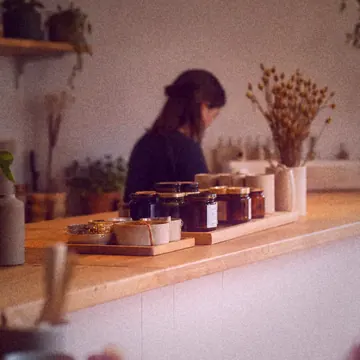 Hong Kong Magenta Night
Pink and violet night air spilling over wet alleys.
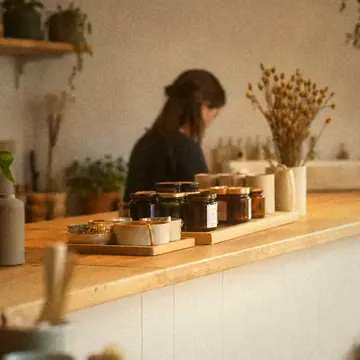 Kodak Gold
Warm skin tones like sunset, soft highlights.
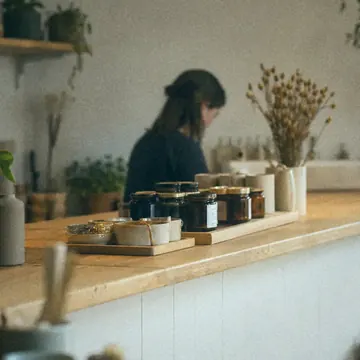 Fuji Green
Calm, cool greens and clear shadows.
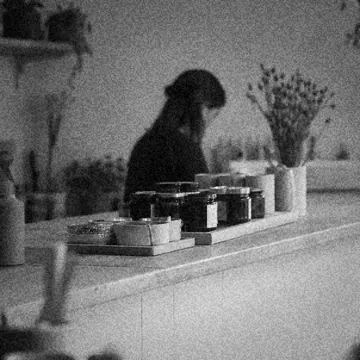 Black & White Grain
Black and white film with coarse grain and deep contrast.
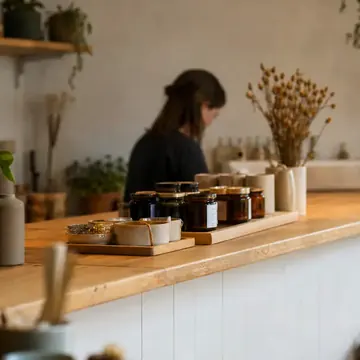 Natural Touch-up
Colors as they are, with just a little brightness and sharpness.
p.04Sample prints
Sample prints
Sample photos developed in six looks. You can do the same with your own photos.
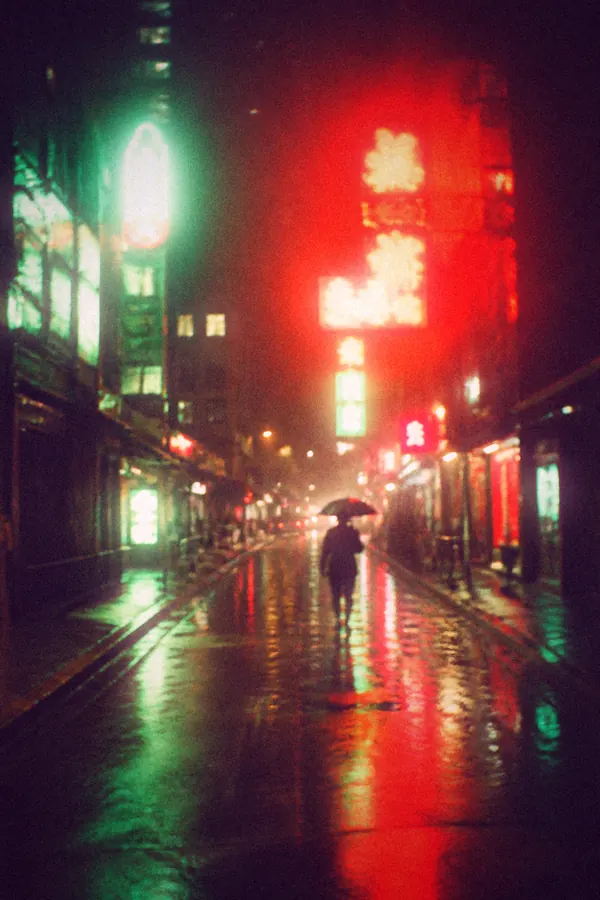
Hong Kong Magenta Night 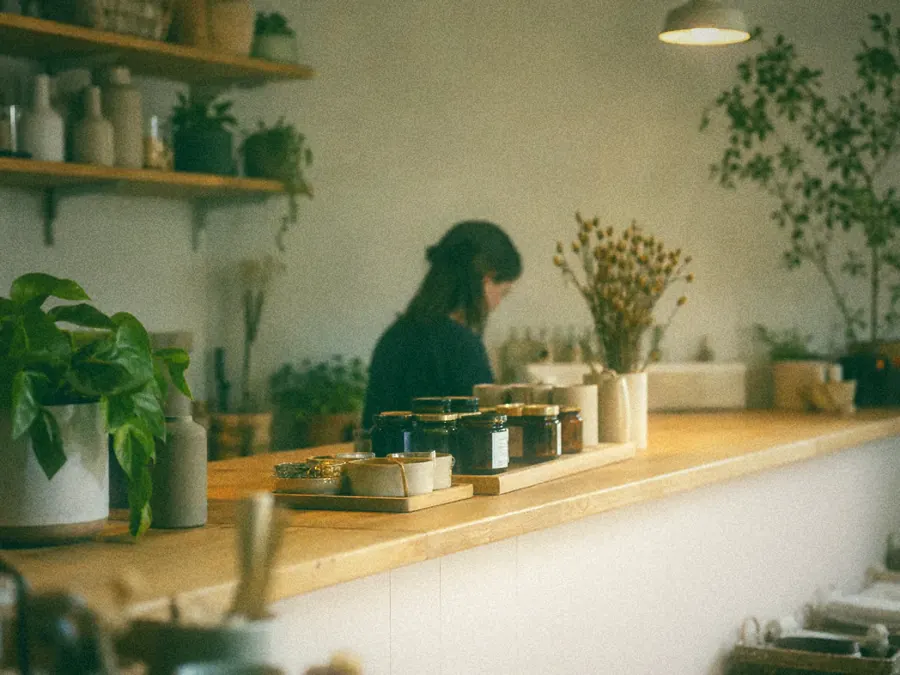
Chungking Neon Green 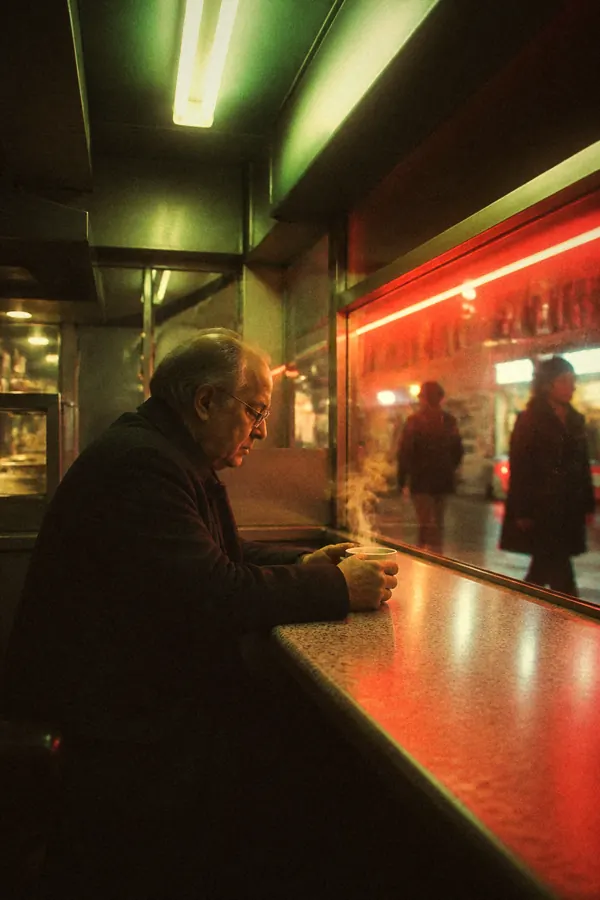
Kodak Gold 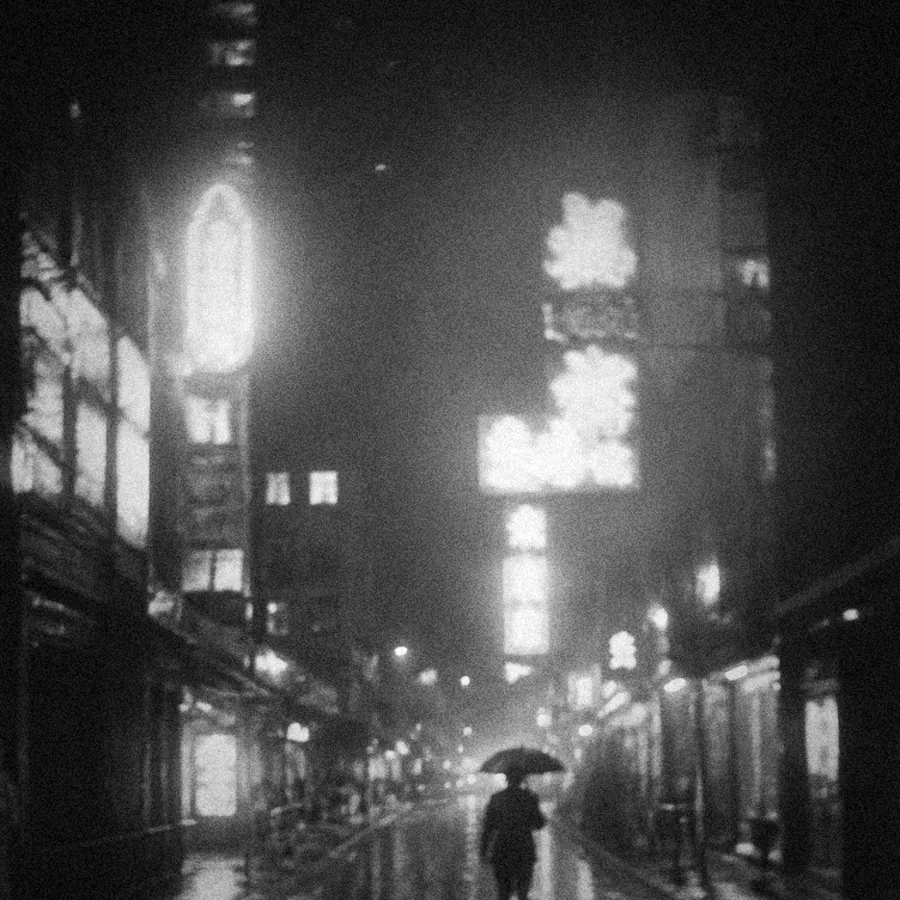
Black & White Grain
p.05Questions and answers
FAQ
p.06In closing
A print in your drawer. Why not develop one today?
Every look is free. No sign-up, no payment. Develop and save as many photos as you like.